If you look after a household’s audio, you end up answering the same question a lot: why won’t this play? Usually the answer is that the file is on the server, and the person asking is on a train.
Mirroring is the answer to that question. It keeps a real copy of the parts of your library you care about on the Mac itself, in ordinary folders you can open in Finder, so those parts play whether or not anything else is reachable.
Why it works this way
Three decisions shape all of it, and they’re worth knowing before you change any settings.
Your library folder is yours. Mirrored audio lands in a folder you pick, organised
into Audiobooks/, Podcasts/ and Music/ with readable names. It isn’t a hidden
cache. You can open it, back it up, or copy something out of it, and nothing breaks.
The Mac decides what it keeps, not the server. Rules live on the Mac. Another household member’s laptop can keep a completely different slice of the same library, and neither affects the other.
Nothing is deleted quietly. Space limits and clean-up rules are all off by default. If you switch one on, it does what it says — but until you do, the Mac keeps what it has downloaded.
The three ways audio gets here
It’s worth separating these, because they behave differently and the rest of these guides refer to them by name.
-
Mirrored — downloaded automatically because it matches the rules you set. The Mac manages these: they can be re-downloaded any time, so they’re also the ones space limits are allowed to remove.
-
Downloaded on purpose — you asked for one specific book or album. Treated the same as mirrored content once it’s here.
-
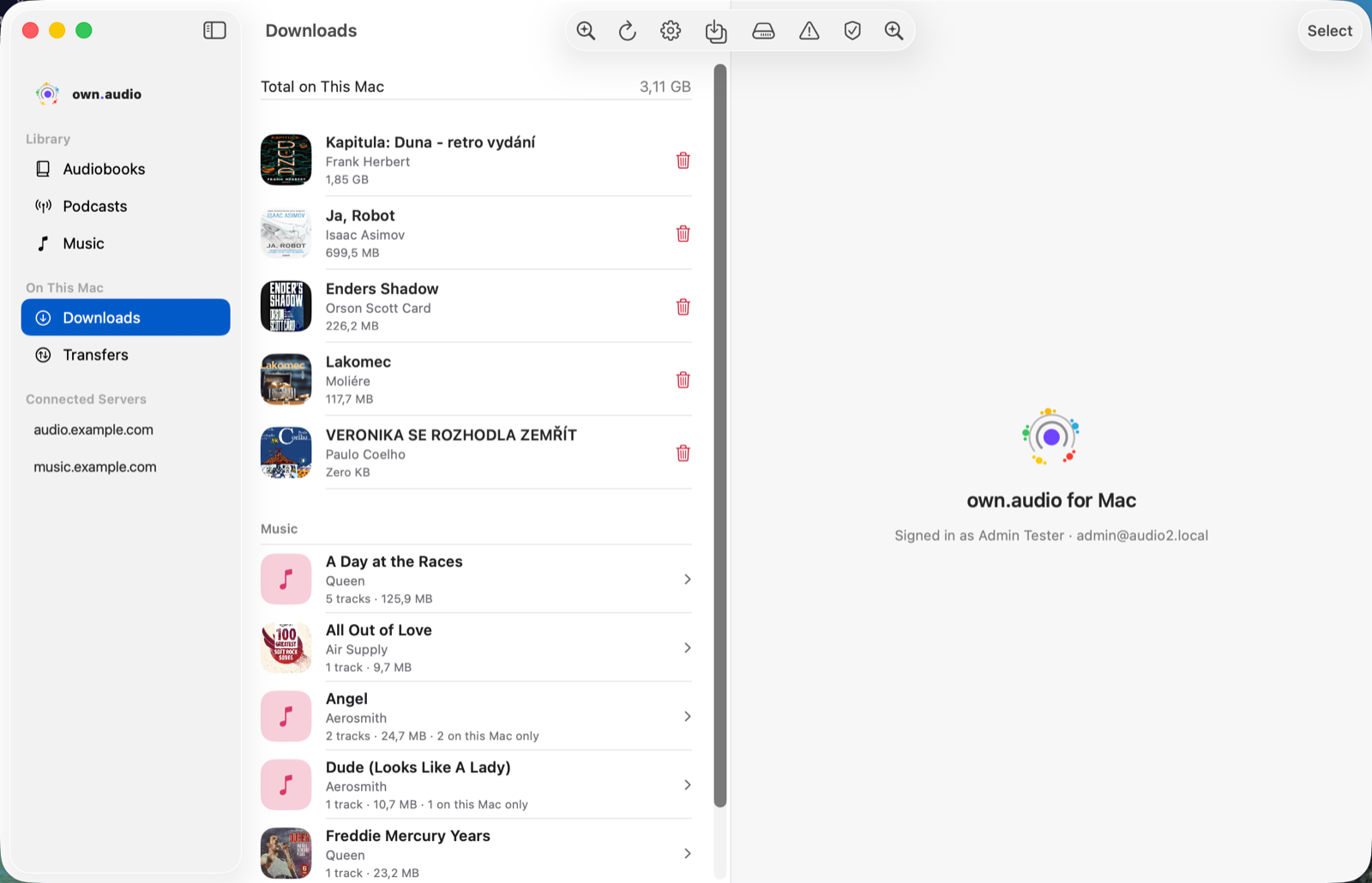
Local Only — files that exist on this Mac and nowhere else, either dropped in from Finder or fetched from a server you’ve connected. There’s no cloud copy to fall back on, so own.audio never removes these to save space. They’re marked On this Mac only wherever they appear.
Where to find all of it
Two places in the sidebar, under On This Mac:
- Downloads — everything on this Mac, with the tools for looking after it.
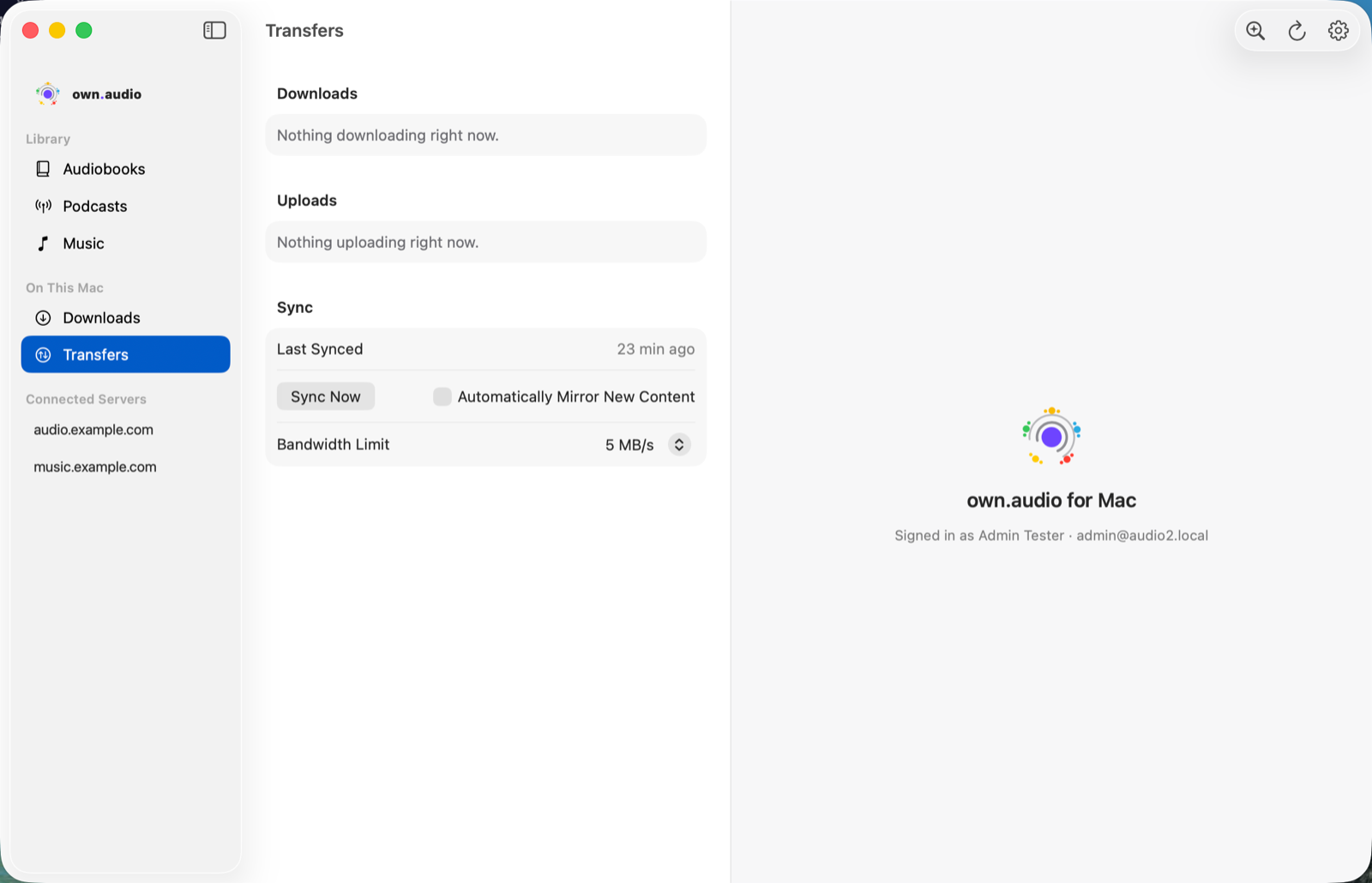
- Transfers — what’s moving right now: downloads, uploads, and when the library last synced.
What mirroring doesn’t cover yet
Worth saying plainly, because it surprises people:
- Podcast episodes aren’t part of the mirror rules. Episodes have their own per-feed download settings, on the feed itself. The rules described in these guides cover audiobooks and music only.
- There’s no single “pause everything” button. A running mirror job can be paused and resumed. Individual downloads and uploads can be cancelled, but not paused part-way — so no control claims to do more than it can.