own.audio Is Open Source: the Server and the Three iPhone Apps
October 20, 2026
own.audio has been built in the open for a while without saying so very loudly. This post is the saying so: the server and the three iPhone apps are open source, they work today, and you can run them without waiting for the hosted service to launch.
What is open
Everything lives under github.com/own-audio:
| Repository | What it is | Licence |
|---|---|---|
| server | The self-hosted server: audiobooks, podcasts and music in one library, a web console and an OpenSubsonic API. Rust and PostgreSQL. | AGPL-3.0-or-later |
| music-ios | own.audio Music for iPhone and iPad. Plays from own.audio, Subsonic and OpenSubsonic servers (Navidrome, Gonic, …) and Jellyfin. | MPL-2.0 |
| book-ios | own.audio Books for iPhone and iPad. Plays from own.audio and Audiobookshelf. | MPL-2.0 |
| podcast-ios | own.audio Podcasts for iPhone and iPad. Works with no server at all, or with own.audio, Audiobookshelf and any gPodder server. | MPL-2.0 |
What is not open: the layer that makes the hosted service (billing, the metered narration and translation, the MusicBrainz mirror), and for now the Mac, Android, Apple TV and Windows apps. The hosted service runs the same server code plus that private layer. A client cannot tell the two apart and does not need to: it asks the server what it offers.
Why this way? Because self-hosted audio is usually split between server projects and app projects that have to agree on a protocol before a feature can exist on both sides. own.audio builds both ends, so a feature that needs both lands at once, and the apps still work with the servers you already run. The apps are free, with every feature in them, and will stay that way. What pays for the work is hosting, for people who want the library without running a server.
Try it in ten minutes
Without installing anything. A public demo of the open-source server runs at demo.own.audio. Sign in as [email protected] with the password own-audio-demo. It holds four public-domain LibriVox audiobooks, 38 Creative Commons songs, three podcasts and a year of listening history, so the statistics, the yearly recap and the smart playlists have something to show. It resets every night, so change whatever you like.
The server on your own machine. A Linux host with Docker is enough: a Raspberry Pi 3 or newer, a NAS that runs containers, or a small VPS.
git clone https://github.com/own-audio/server.git && cd server
cp .env.example .env   # set POSTGRES_PASSWORD and SESSION_SECRET
docker compose pull
docker compose up -d
Open http://localhost:8080, create the first admin, and point it at the music and audiobook folders you already have. It indexes them read-only and never writes there. INSTALL.md has the details, the Raspberry Pi guide the small-board version, and we measured what a 2019 Pi can do.
The apps. They are on TestFlight for internal testing and have not been through App Review yet, so for now the way to run one is to build it: clone the repository, run xcodegen generate, open the project in Xcode 27 and run it on your iPhone or the simulator. Each app’s first screen has a “Try the Demo Library” button that signs in to the public demo, no account needed. When a public TestFlight link exists, it will be on each repository’s page and here.
own.audio Music
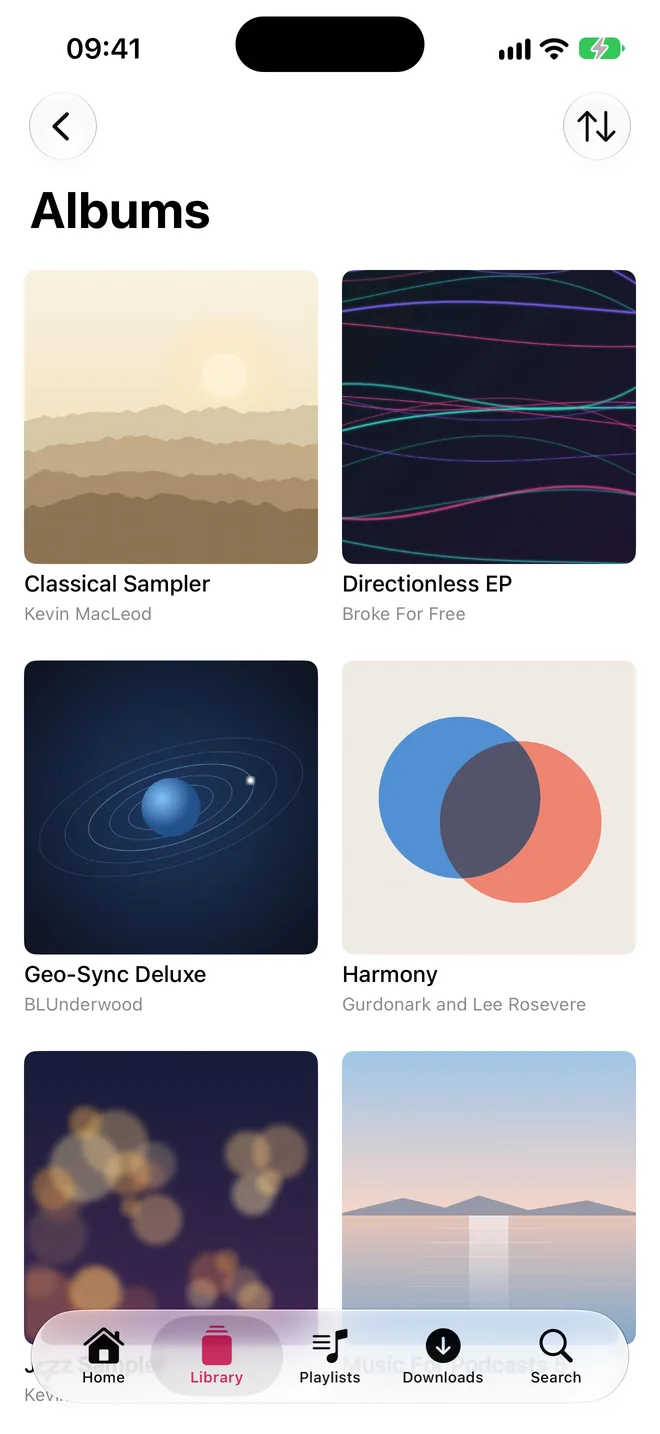
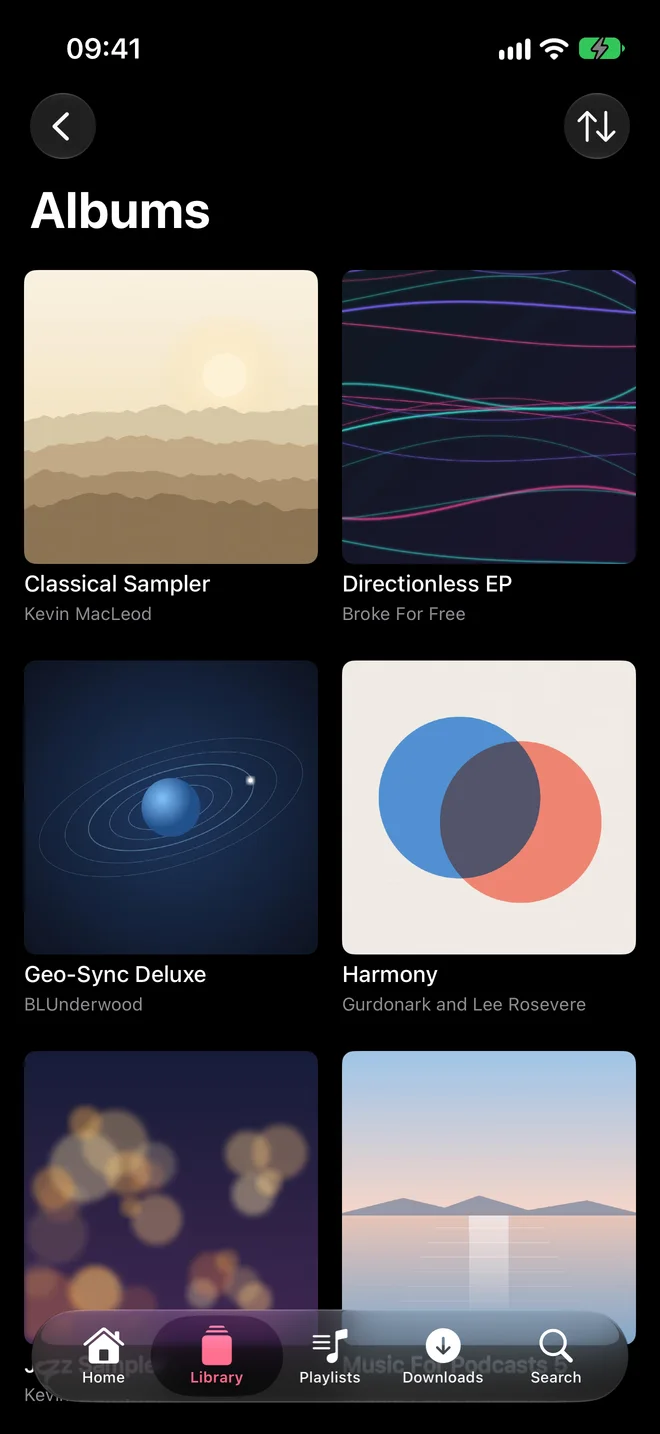
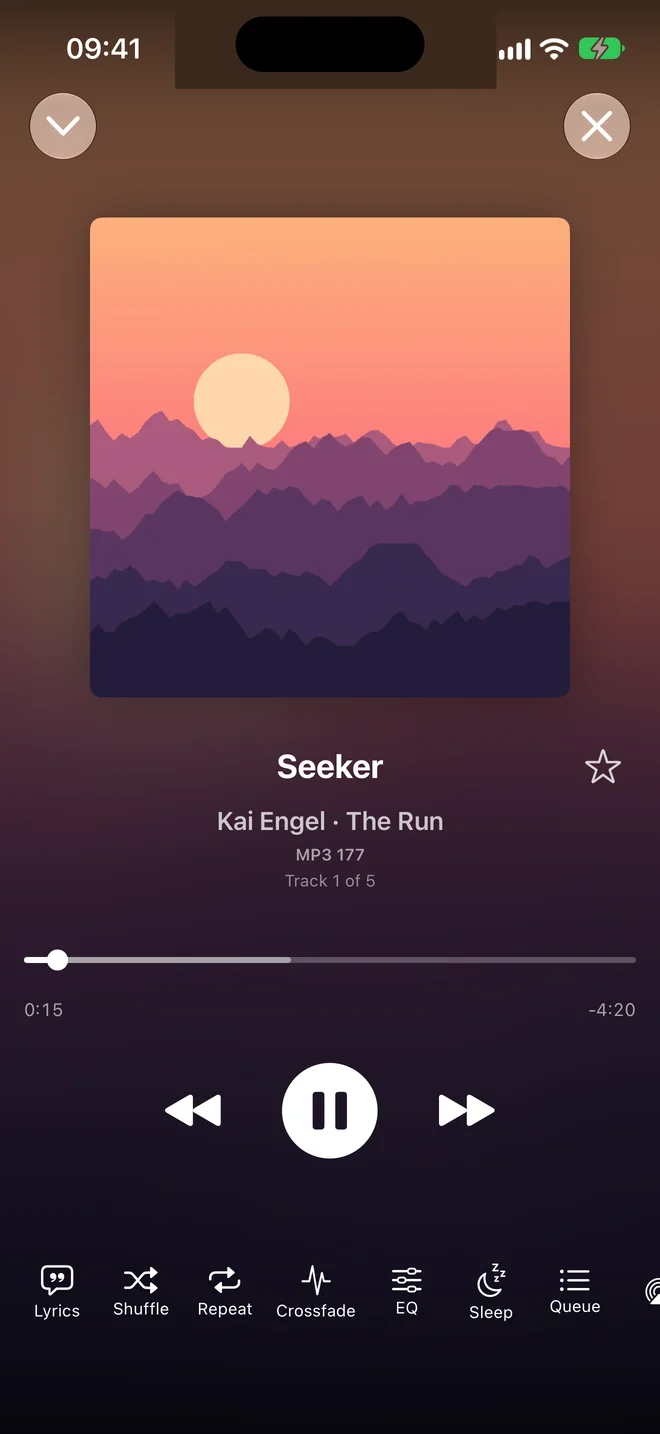
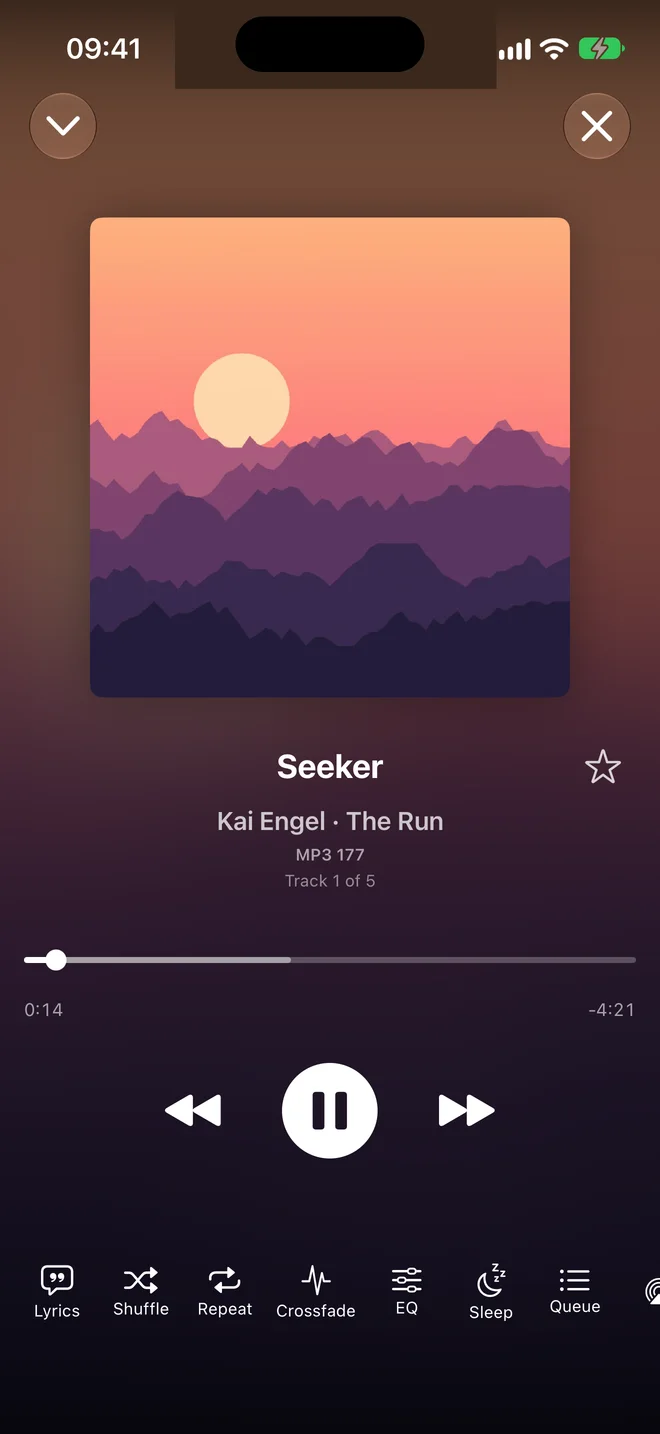
One music player for every server you have: own.audio, Subsonic and OpenSubsonic servers such as Navidrome and Gonic, and Jellyfin, side by side in one app, each with its home and outside addresses. Swift and SwiftUI, no web views, no third-party dependencies, a few megabytes.
- Gapless playback and crossfade, on its own AVAudioEngine player
- Streams while it downloads, with its own Core Audio decoder
- Downloads and an offline mode: with no network it shows and plays what is on the phone
- Synced lyrics, volume leveling, an equalizer
- Favourites, ratings, playlists, play reporting back to the server
- With own.audio: smart playlists, identifying your library against MusicBrainz, and a library on the phone that follows the server’s changes
- iPad layout; English and Czech
own.audio Books
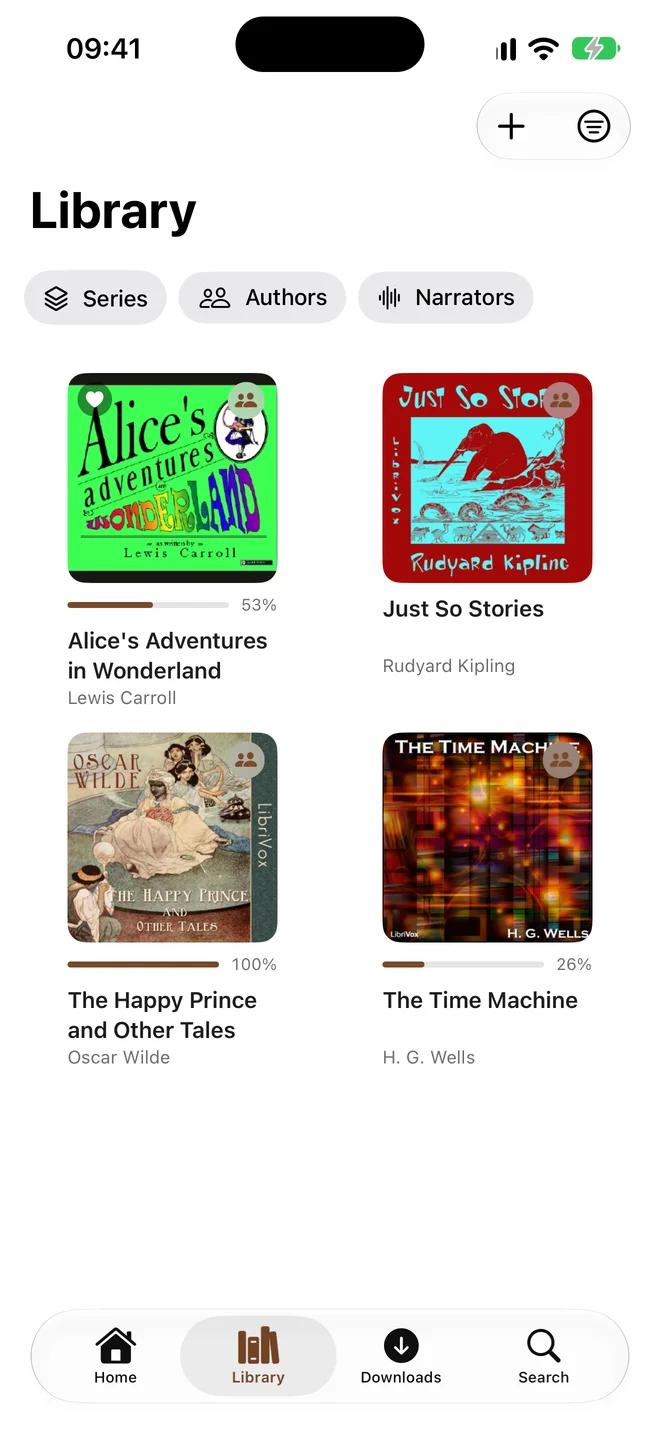
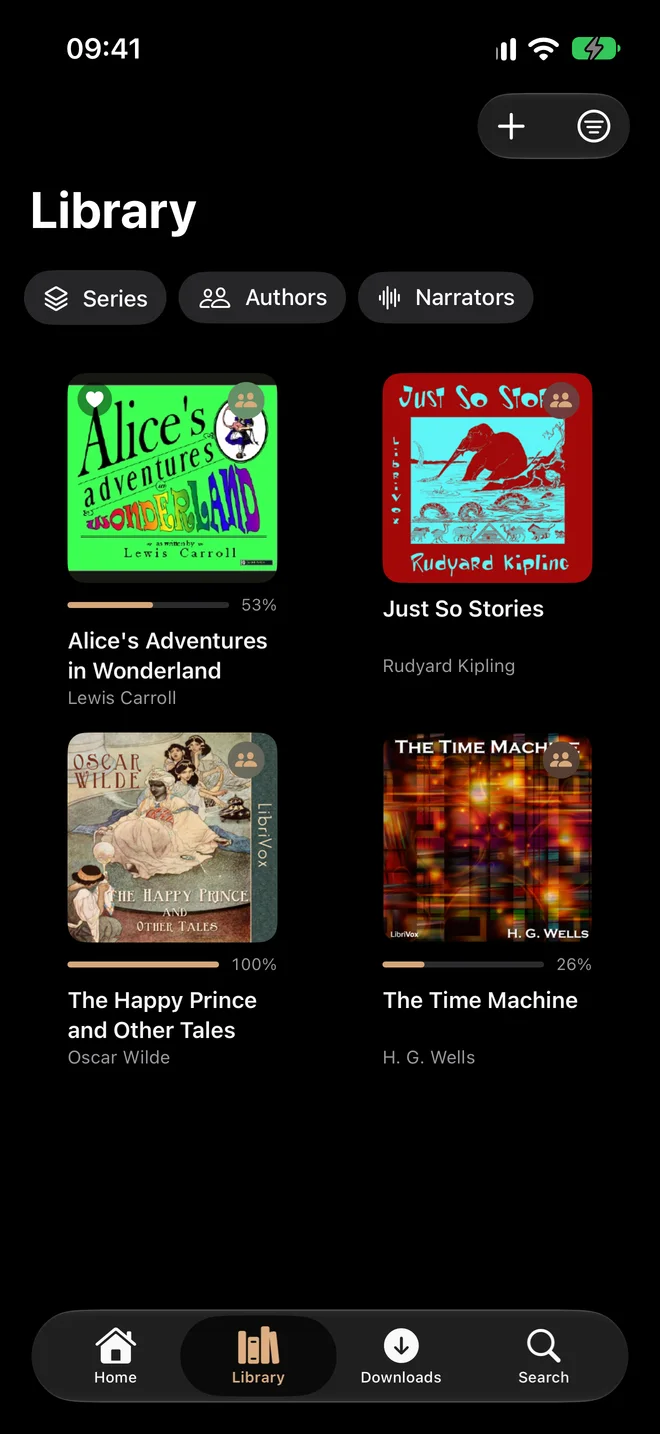
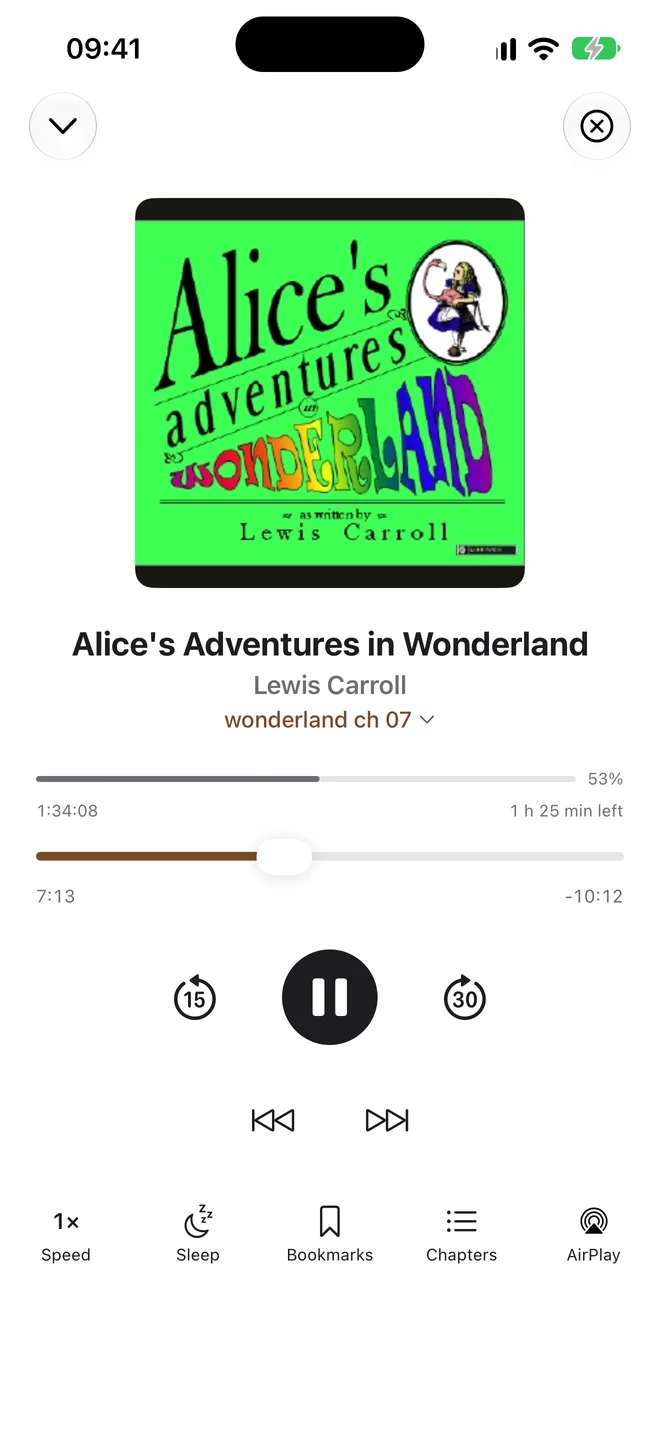
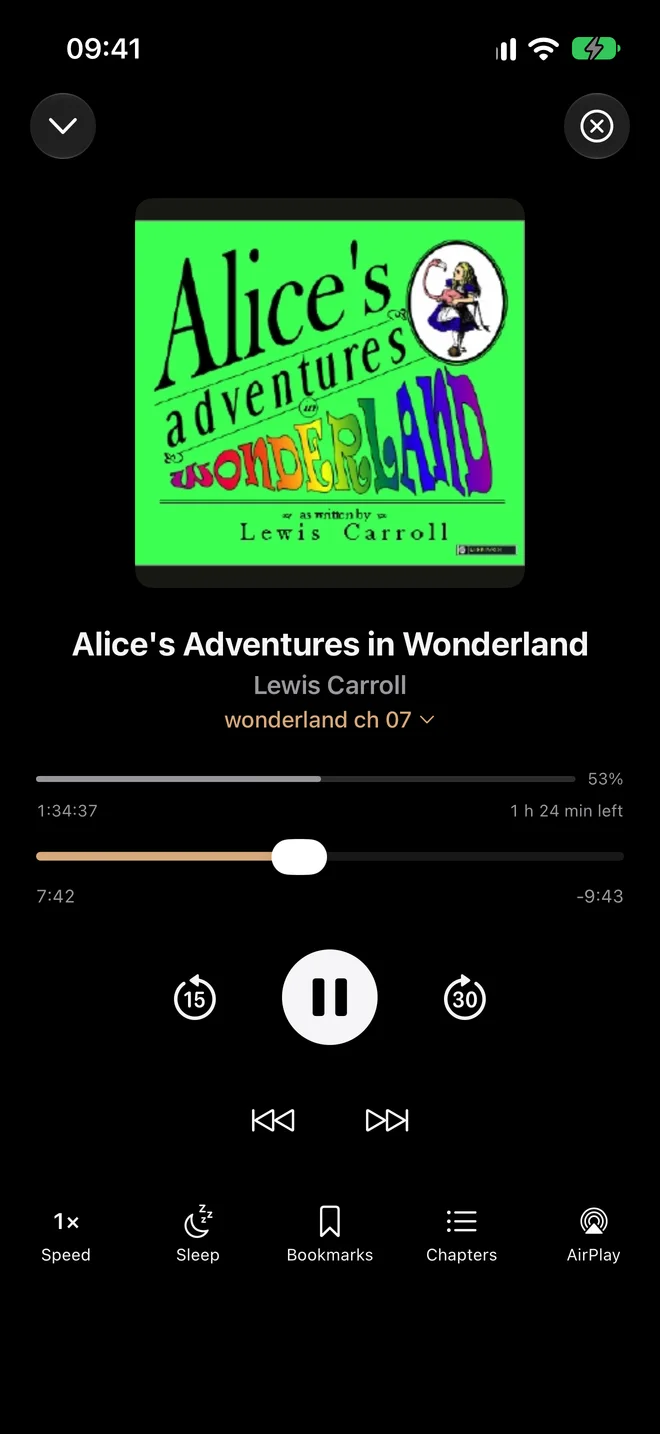
An audiobook player for own.audio and Audiobookshelf servers, in one app.
- Speed with pitch correction, chapters, skip buttons, smart rewind, a sleep timer that stops at the end of the chapter
- One position per book that follows you between devices; nothing is lost offline
- Chapters from the server, or read from the file itself when the server has none
- Downloads and an offline mode
- Bookmarks, series, authors, narrators and collections, whatever the server offers
- A widget, a Live Activity on the lock screen, Siri
- With own.audio: the family library and importing books from the phone
- iPad layout; English and Czech
own.audio Podcasts
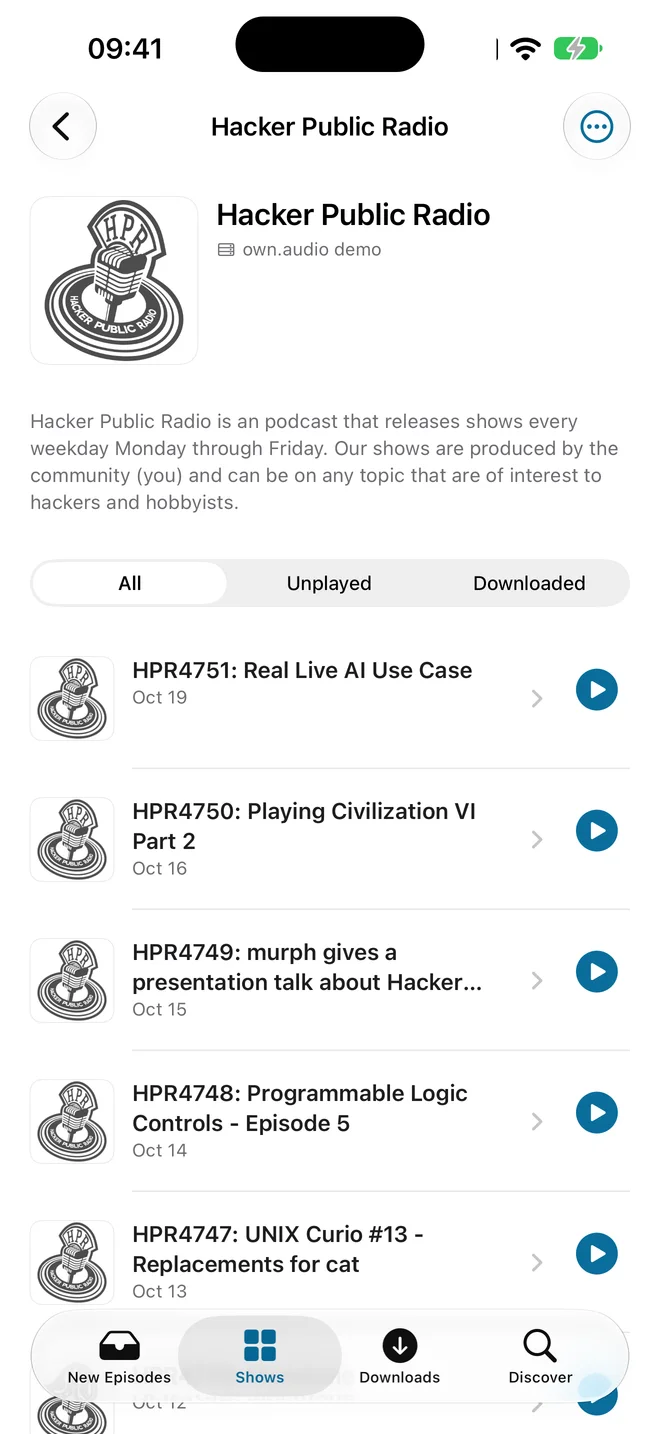
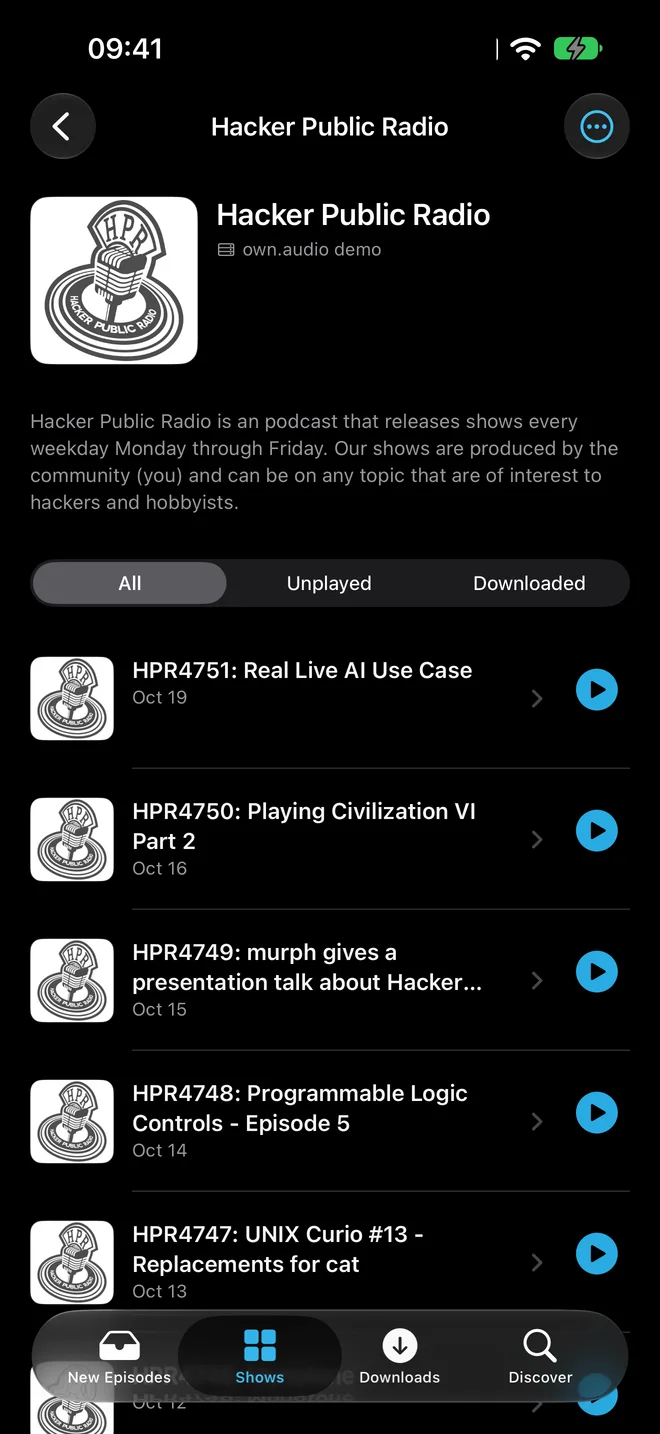
A podcast player that needs no account and no server: add feeds and listen. When you do run a server, own.audio, Audiobookshelf or anything that speaks the gPodder API, your shows, episodes and positions follow you between devices.
- Opens on what is new: unplayed episodes across your shows, newest first; Up Next across every source
- Speed per show, chapters, skip the intro, smart rewind, sleep timer; the last episode is back after a relaunch
- Downloads with rules per show (the newest few, delete when played, keep at most), a storage limit, an offline mode
- Discover: categories, search and shows like the ones you follow, from an own.audio server’s catalogue where it has one, otherwise from Apple’s charts
- CarPlay, a widget, a Live Activity, Siri, AirPlay
- With own.audio: the family, signed-in devices and live updates
- iPad layout; English and Czech
Self-hosted or hosted: what you get where
| Open-source server | own.audio hosted | |
|---|---|---|
| Run it on your own hardware | yes | — |
| Audiobooks, podcasts, music, family sharing, web console, OpenSubsonic | yes | yes |
| Local storage, read-only library folders on a disk or NAS | yes | — |
| Sign-in with Google, Apple or Microsoft | optional, you configure it | yes |
| Invite mail over SMTP | optional | yes |
| Music identify | public MusicBrainz, on by default | a faster mirror |
| Narrate a book into an audiobook, translate a podcast episode | — | yes, metered |
| Storage billing, payments | — | yes |
The apps are the same in both cases. One family per server, as many people as it has, private by default and shared when you say so. Nothing phones home: no telemetry, no update checks, no accounts anywhere but on your server.
Where it stands
This is one person’s project, built first for one family and published so others can run it too. The server is a pre-release (1.0.0-beta.30 as this is written), tagged and published as images for amd64 and arm64. The apps are being finished for the App Store. Some things are not there yet on either side: push notifications, transcoding on the native API, chapter extraction on the server, OPML import in the podcasts app. The scope document lists them so nobody files them as bugs, and the roadmap says what comes next and roughly when.
Issues are welcome and read. Pull requests will be accepted once a contributor agreement is in place; until then they are not merged, for the reasons in LICENSING.md. The own.audio name and mark are trademarks: unmodified builds may show them, a fork uses its own.
How to help
Run the server, build an app, and tell us what broke, in the issues or at [email protected]. A star on the repositories helps other people find them. If you would rather have the library without running a server, join the waitlist for the hosted edition. And if the project is useful to you already, there is a coffee button.